Journals, sessions, and media widgets
Widgets for following executions, managing review sessions, and preserving chart evidence.
Execution and journal
- Live Execution Feed — a real-time stream of executions, updates, and session events.
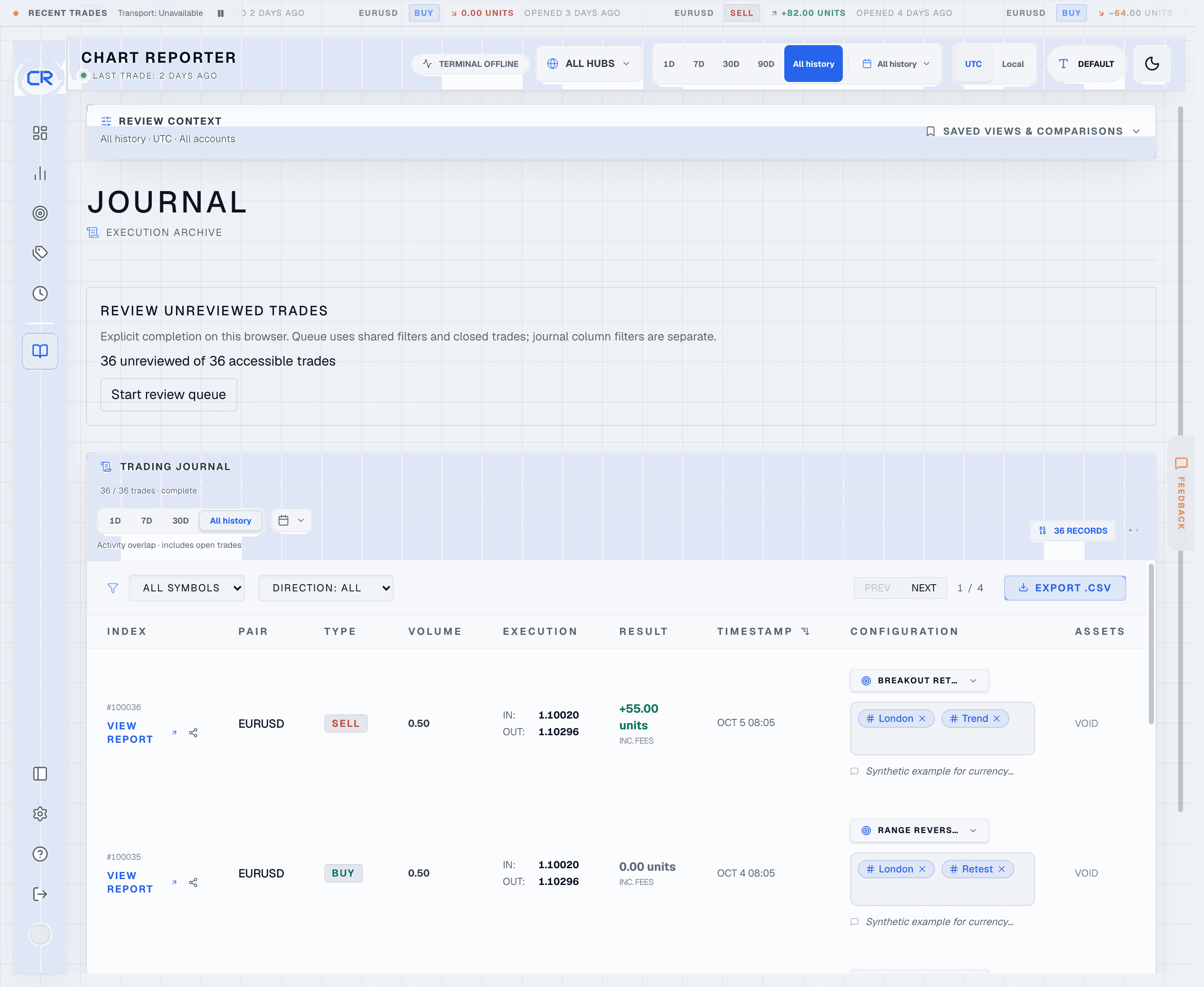
- Trading Journal — the full execution ledger, with tags and linked asset information. It is available on Dashboard, Analytics, Session, Strategy, Tag, and Journal boards.
- Intel Feed — a media-first feed of secure trade screenshots and related field intelligence.
Use the feed for immediate awareness and the journal for filtered review. Net P&L shown in either surface includes profit, commission, and swap.
Sessions
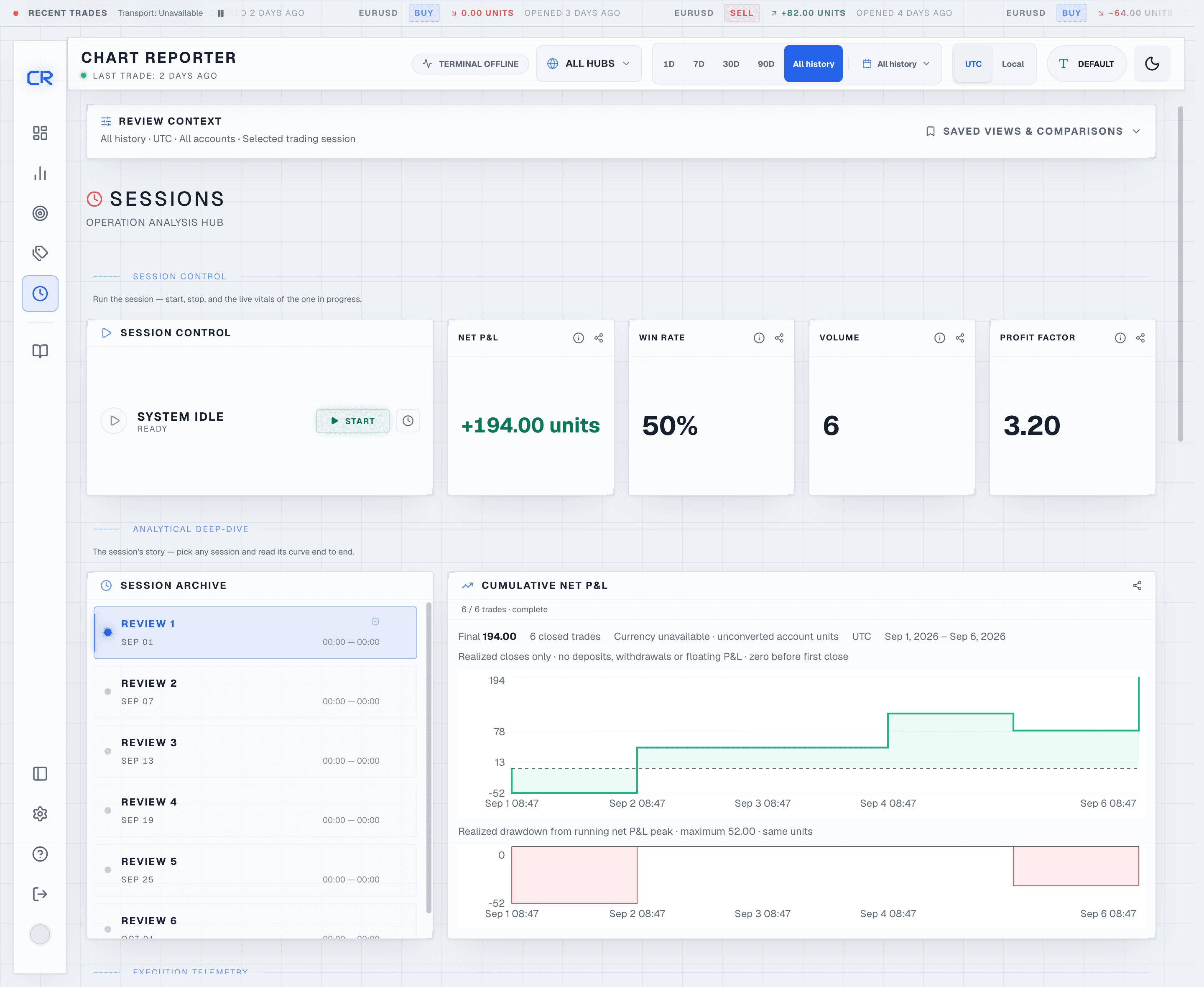
- Session Control Hub — the command centre for an active trading session.
- Session Trades — the detailed execution list for the selected session.
- Session Leaderboard, Session Metric Card, and Session cumulative net P&L are covered in Performance analytics because they compare or calculate session performance.
Sessions provide a time-bounded review context. They do not change the underlying trade record; they group the selected activity so you can evaluate execution and results within a defined trading window.
Screenshots
Screenshots are captured and stored with the relevant trade when the EA screenshot setting is enabled. They are evidence for review — not a substitute for the execution record — and can be opened through Intel Feed or Sector Visuals on a trade-detail page.
Example boards
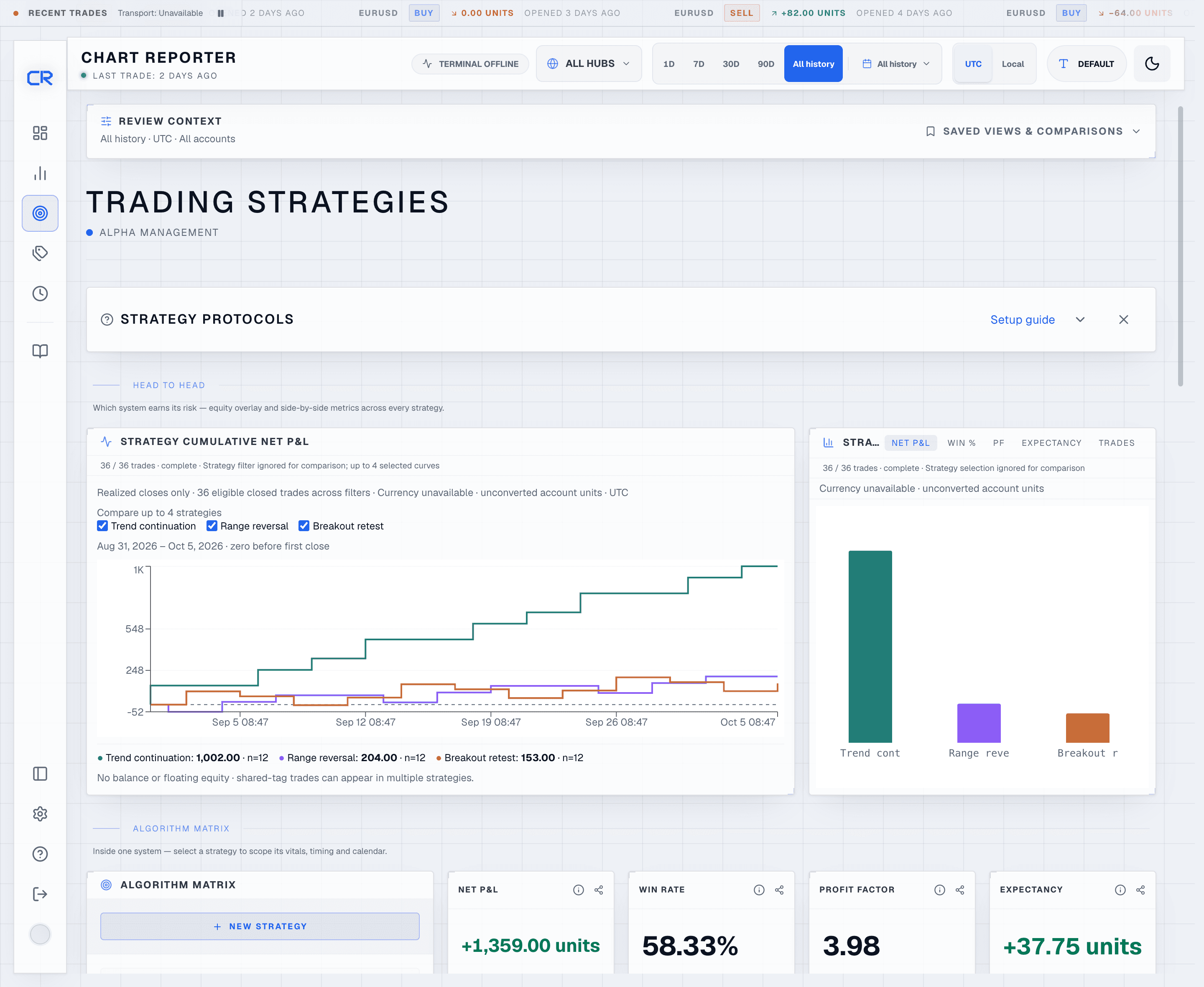
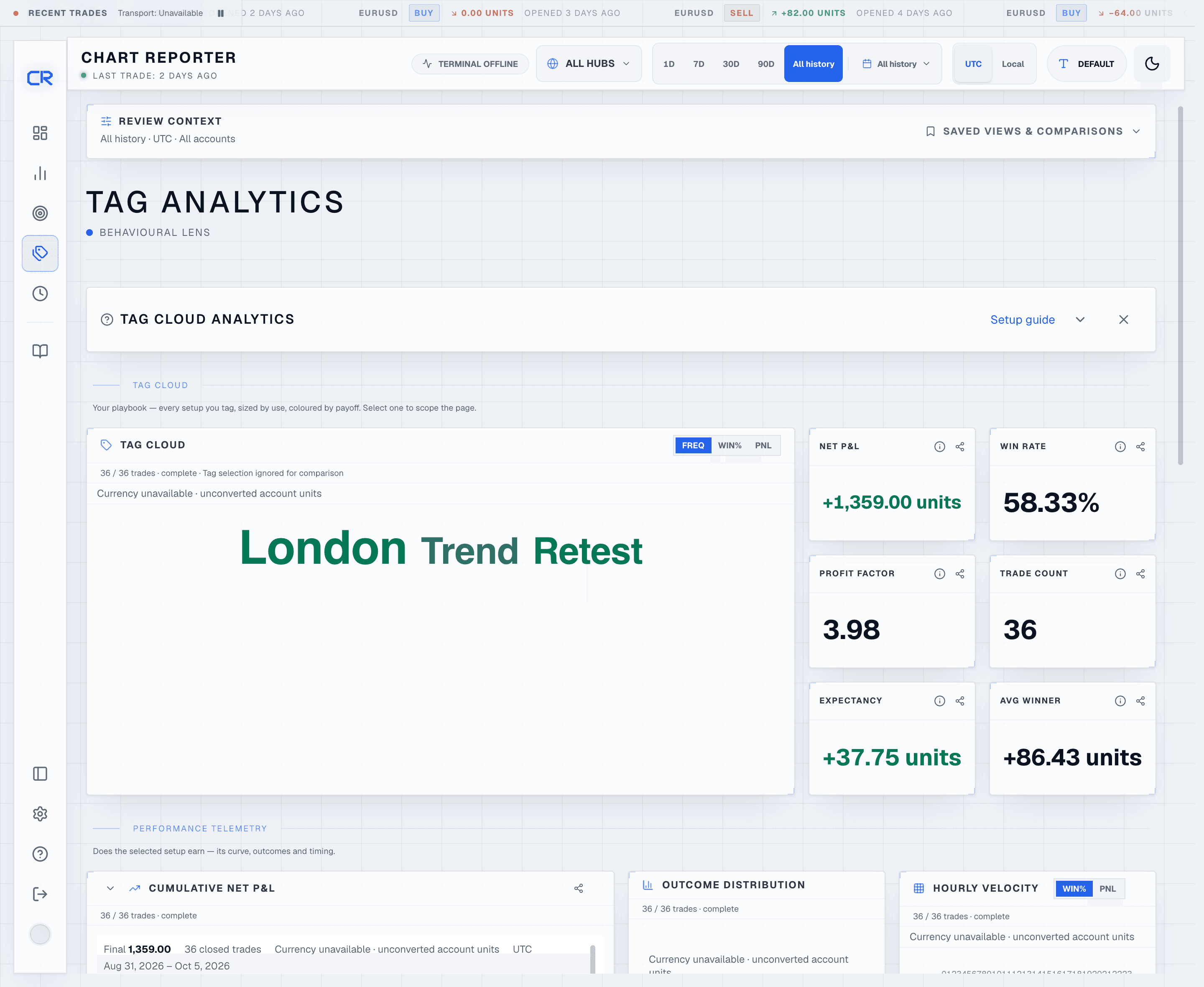
These screenshots use synthetic example data to illustrate the boards. Actual results depend on your selected account and filters.